Android Entertainment Apps: What to Look for in a Better Mobile Streaming Experience
Android has become more than a platform for mobile games and everyday applications. For many users, a smartphone or tablet is now a complete entertainment device used for watching movies, following live sports, exploring TV shows, and keeping up with online content. As Android applications continue to evolve, users have more choices than ever when looking for convenient entertainment solutions.
At the same time, choosing the right entertainment application requires more than simply finding an app with a large content library. Performance, compatibility, video quality, playback controls, subtitles, device support, and download options can all affect the overall experience.
This is particularly important for users who already spend a significant amount of time on their Android devices. Just as gamers look for applications that help them get the most from their hardware, streaming users need apps that make good use of their device, internet connection, and available storage.
Why Android Has Become a Popular Entertainment Platform
Modern Android smartphones have enough processing power, storage, and display quality to handle demanding entertainment applications. High-refresh-rate displays, improved speakers, faster Wi-Fi, and better mobile processors have made phones and tablets practical alternatives to traditional entertainment devices.
The same Android ecosystem that supports gaming applications, productivity tools, and customization utilities also provides users with a wide range of options for video and live entertainment.
For this reason, users are increasingly interested in applications that combine convenience with a straightforward interface. Instead of switching between multiple applications for different types of content, many people prefer having movies, TV programs, sports, and other entertainment options accessible from one place.
What Makes a Good Android Streaming App?
Not every streaming application provides the same experience. Before installing an Android entertainment app, users should consider several practical factors.
1. Device Compatibility
Compatibility should be one of the first considerations. An application may work perfectly on a newer smartphone but perform poorly on an older device with limited RAM or storage.
A good Android entertainment application should clearly communicate its minimum requirements. Users should check their Android version, available storage, RAM, and network connection before installation.
This simple step can prevent many common problems, including crashes, freezing, installation errors, and slow playback.
2. Video Quality and Playback
Video quality is another important part of the streaming experience. Modern users may expect anything from standard-definition playback to HD and, where supported, higher-resolution content.
However, higher resolution also requires more bandwidth and processing power. An application that provides flexible quality settings gives users greater control over their experience.
For example, someone watching a video over mobile data may prefer a lower resolution to reduce data consumption, while a user watching on a large Android TV may prefer a higher-quality stream.
3. Subtitles and Language Options
Entertainment audiences are increasingly international. A movie or television series may originate in a different country and still attract viewers around the world.
Multi-language subtitle support therefore adds significant value to a streaming application. Adjustable subtitle size, timing, and language options can also make content easier to follow.
For Android users who regularly watch international movies, anime, dramas, or foreign-language programming, these small usability features can make a noticeable difference.
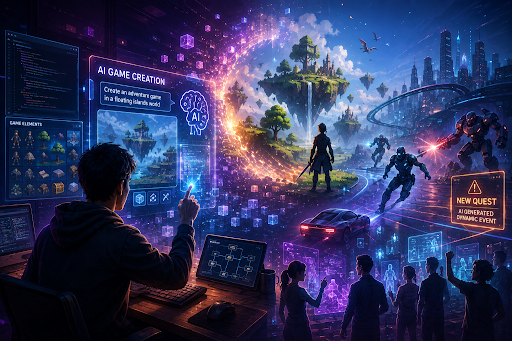
Streaming and Gaming on the Same Android Device
Gaming and streaming may appear to be separate categories, but they share many of the same technical requirements.
Both activities depend on reliable internet connectivity, sufficient device resources, and a responsive user interface. A user may spend an hour playing a mobile game and later use the same phone or tablet to watch a movie or live sports event.
Android users therefore benefit from understanding how their device handles demanding applications.
Gaming-focused platforms such as Xarena, for example, emphasize features related to game performance, memory management, network optimization, and convenient access to installed games.
Entertainment applications have a different purpose, but the underlying principle is similar: the application should work well with the device instead of making the user fight with complicated settings.
Where Castle APK Fits Into Android Entertainment
For users specifically interested in movies, TV shows, live channels, sports, and other forms of digital entertainment, Castle APK is one Android application worth researching.
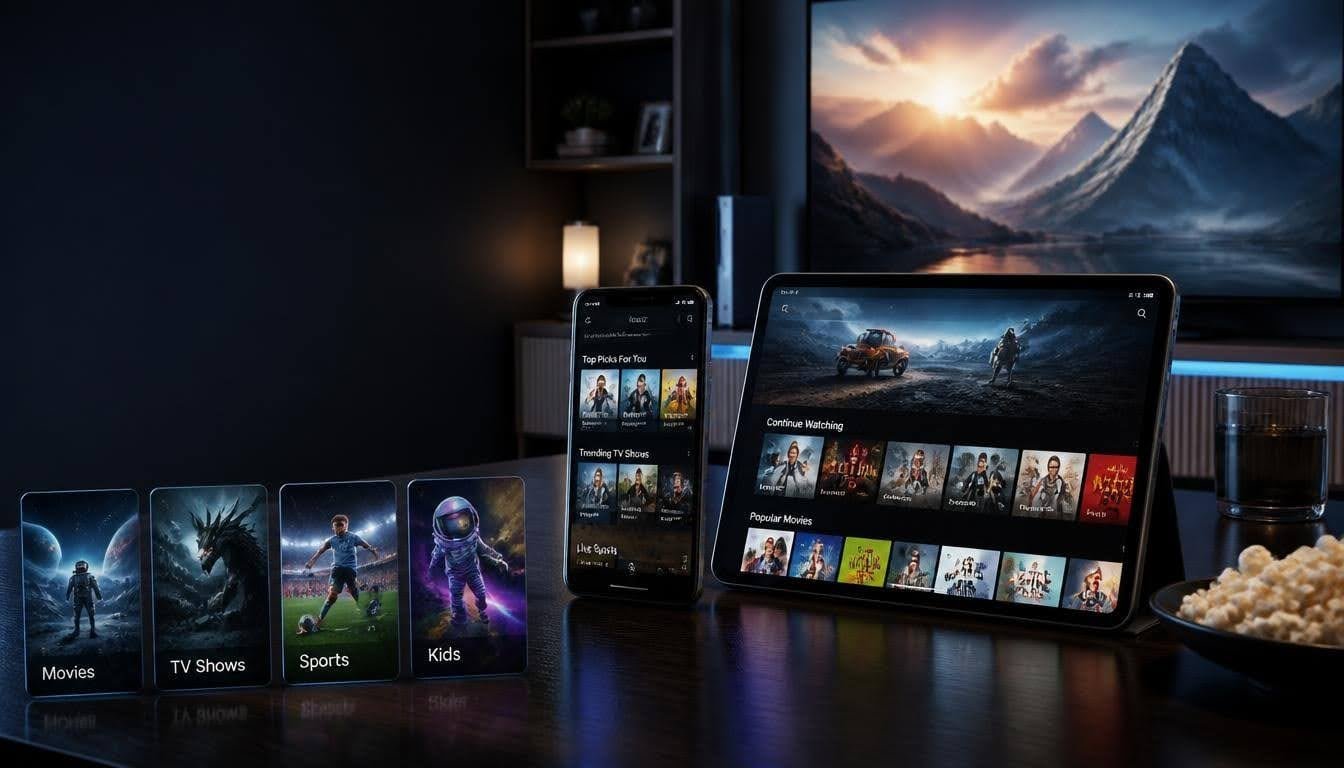
The application is designed around entertainment rather than gaming and brings different types of video content together within a single interface. According to the application’s website, it supports Android smartphones, tablets, and compatible smart TV devices.
Users researching the application can find information about its current version, compatibility, installation process, features, and older versions on the Castle APK website.
The benefit of this type of centralized entertainment application is convenience. Instead of maintaining several separate applications for different categories, users can explore movies, shows, sports, live television, and other content from one location.
Important Features to Consider
A streaming application should provide more than simply a play button. The features surrounding playback can have a major effect on usability.
Castle APK’s listed features include adjustable video quality, Chromecast support, multi-language subtitles, offline viewing, playback controls, custom playlists, parental controls, recommendations, and community ratings.
These features address several common requirements for Android entertainment users.
Flexible Video Quality
Different users have different internet speeds and devices. Flexible resolution settings allow viewers to balance image quality with bandwidth requirements.
Someone watching through mobile data may prefer a lower resolution, while viewers using a large television and high-speed connection may want higher-quality playback.
Chromecast Support
Casting can make a smartphone or tablet more useful as an entertainment controller. Rather than watching everything on a relatively small display, compatible content can be transferred to a larger screen.
This can be particularly useful for families or groups watching movies and sports together.
Offline Viewing
Internet connectivity is not always reliable. Travelers, commuters, and users with limited mobile data may appreciate applications that support downloading content for later viewing.
Offline functionality can also reduce the need to repeatedly stream the same content over a mobile connection.
Playback Controls
Simple controls such as resume playback, subtitle timing, volume adjustment, and playback-speed settings can improve the viewing experience.
These features may not sound as impressive as a large content library, but they are often the things users interact with most frequently.
Security Should Always Be Part of the Download Process
One of the most important considerations when installing any APK outside the Google Play Store is the source of the file.
APK files are Android installation packages, and third-party distribution means users should take additional care before installing them. Downloading an APK from an unfamiliar mirror can expose users to outdated or modified files.
A sensible approach is to research the application first, verify the version information, check the application’s requirements, and obtain the installation file from a source you trust.
Users should also keep Android security protections enabled and avoid granting unnecessary permissions to applications.
The same principle applies to gaming applications, utility tools, streaming applications, and other Android software: convenience should not replace basic security precautions.
Performance Matters More Than the Number of Features
It is easy for an application to advertise a long list of features. However, a large feature list does not automatically mean a better user experience.
A useful Android application should remain responsive while users browse menus, search for content, start playback, change settings, or move between sections.
Device specifications also matter. An older smartphone with limited RAM may behave differently from a modern flagship device. Users should therefore judge an application based on their own hardware and network environment rather than assuming identical performance across every Android device.
This is an important consideration for both gaming and streaming. A powerful application still needs to be optimized for the hardware on which it runs.
Android TV and Larger Screens
Smartphones are not the only devices used for Android entertainment. Android-powered TVs and TV boxes have also become popular for larger-screen viewing.
When an application supports larger displays, interface design becomes especially important. Buttons need to be easy to navigate, text needs to remain readable, and playback controls should work comfortably with a remote or compatible input device.
Castle APK’s website provides installation information for compatible Smart TV devices in addition to smartphones and tablets.
For users who move between mobile and television screens, features such as casting and larger-screen compatibility can make the overall experience more flexible.
How to Choose Between Android Entertainment Apps
There is no single application that will be perfect for every Android user. The best choice depends on what the user actually needs.
Someone primarily interested in mobile games may prioritize performance tools, memory management, and gaming-focused features. A movie enthusiast may care more about video quality, subtitles, playback controls, and content discovery.
Before installing an entertainment APK, users should consider:
- Android version compatibility
- Available storage
- RAM requirements
- Video quality options
- Subtitle support
- Playback controls
- Offline functionality
- Casting or TV compatibility
- Source and file reliability
- Frequency of updates
- Privacy and requested permissions
Looking at these factors provides a much better basis for choosing an application than simply downloading the first result that appears in a search engine.
A Better Android Entertainment Setup
The Android ecosystem gives users considerable freedom to customize how they use their devices. A well-organized entertainment setup can combine gaming, streaming, music, social applications, and productivity tools without requiring a separate device for every activity.
For example, a user might use a gaming-focused application when playing demanding titles and switch to an entertainment application when watching a movie or following a live sports event.
The important factor is maintaining a balance between convenience, performance, storage, and security.
Final Thoughts
Android has developed into a versatile entertainment platform capable of handling everything from demanding mobile games to high-quality video streaming. As the number of available applications continues to grow, users should focus on practical features and reliable installation sources rather than simply choosing an application because it has the longest feature list.
For gaming, performance and responsiveness may be the priority. For streaming, video quality, subtitles, playback controls, content discovery, and device compatibility can matter more.
Applications such as Castle APK demonstrate how Android entertainment tools can bring multiple types of content together in a single environment. Users interested in exploring its current features, requirements, and installation information can visit the Castle APK website and make their decision based on their own device and entertainment needs.
Ultimately, the best Android experience comes from choosing applications that fit your device, your internet connection, and the way you actually use your phone or television.